 Stagehand
Guide
Indexes and sets
An index is how you get from this song to the next one without hunting. A set is that list plus the key, capo and note for this performance.
The current index
Stagehand remembers one current index. The footer chevrons and the two-finger swipe walk that index. The Songs pill names it. The centre of the footer, and the bookmark, open that index full screen.
Pick a different index from the library’s Indexes or Sets tab, or from the title menu on that screen. Tapping a song there replaces the one on screen.
Built-in indexes
These are computed from the songs. You cannot delete them. You can hide one, and show it again later.
| Index | How a song is filed |
|---|---|
| By key | Under its key. The control reads My key then Original key. My key is the starting choice: the target key you set, which is what you want while planning. An install that still had the old default is moved to My key once. After that, your choice stays. |
| By topic | Under every topic on the song. A song with two topics appears twice. |
| By artist | Under the artist in the file. |
| Recently added | Newest charts first. |
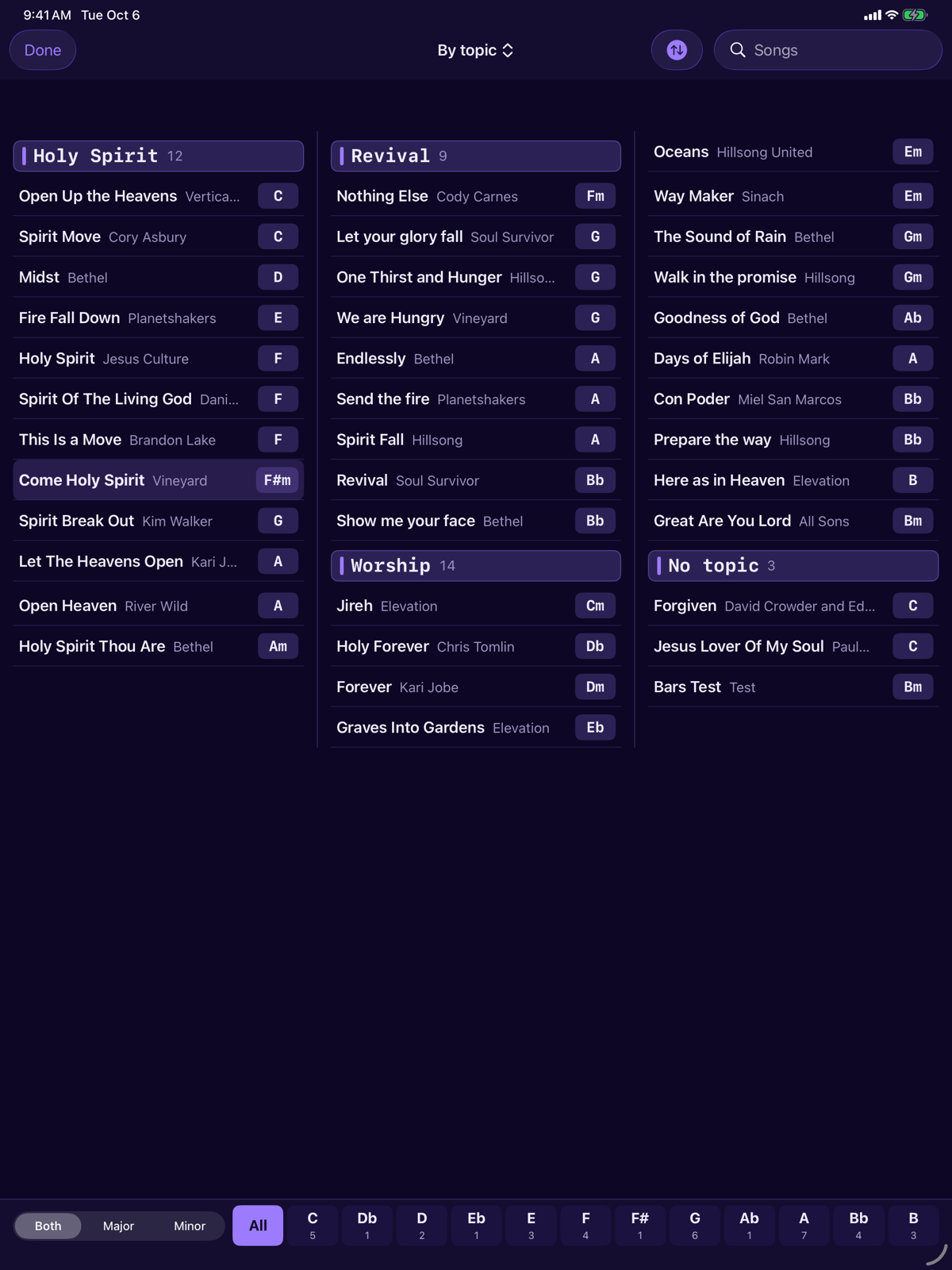
Indexes use the same columns, the same coloured heading bands and the same key footer as All songs. On iPad the songs run in columns. On iPhone they are one column. The sort button offers Title, Key, C to B and Key, major then minor, plus Clear filters and Reset view. Sorting by key orders the songs in every group by key and, on By key, orders the groups themselves. A manual index and a set keep the order they were built in, so the sort button is hidden there. The choice is remembered, separately from All songs, and so is which index is open. Scroll position is not.
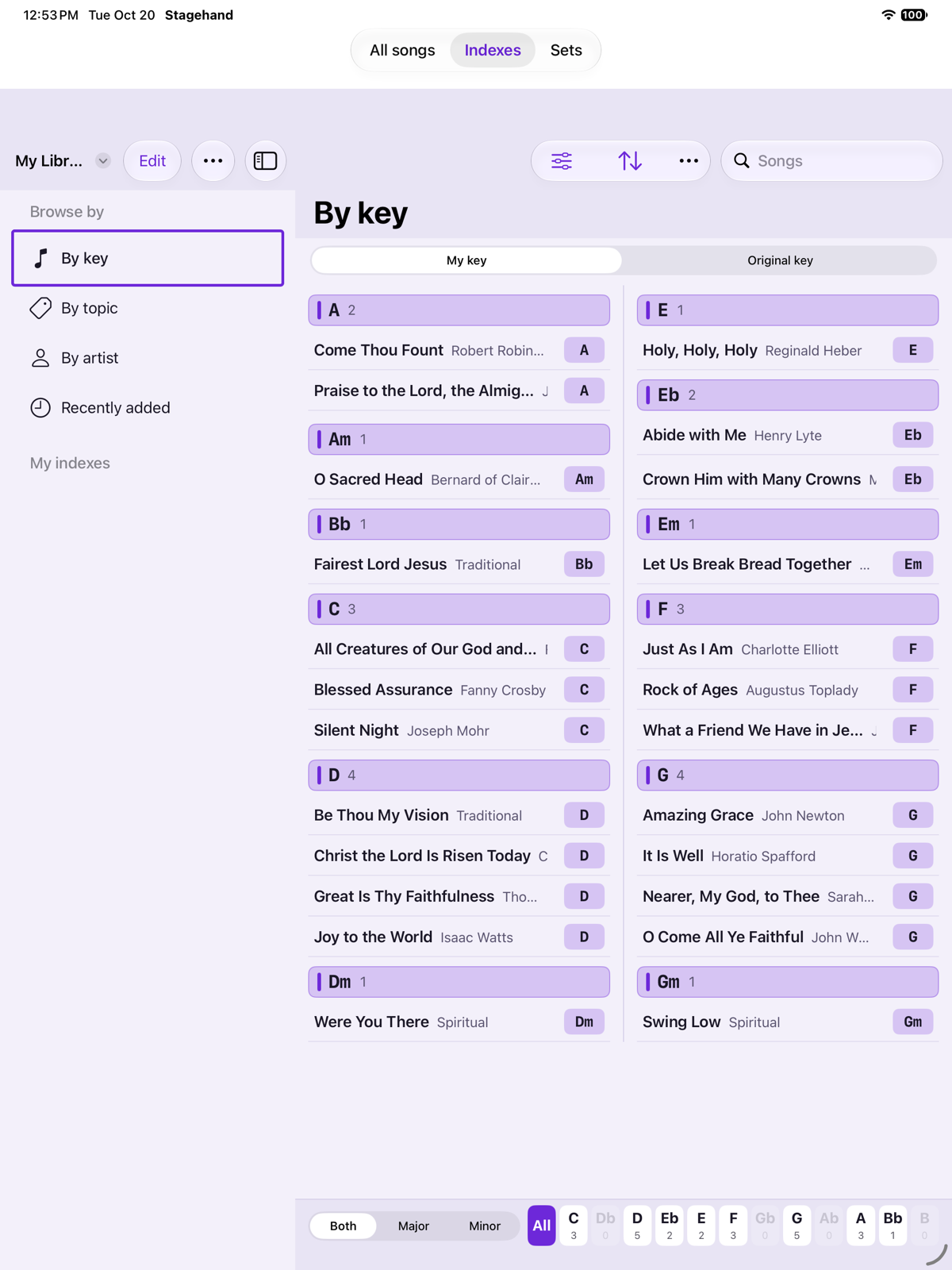
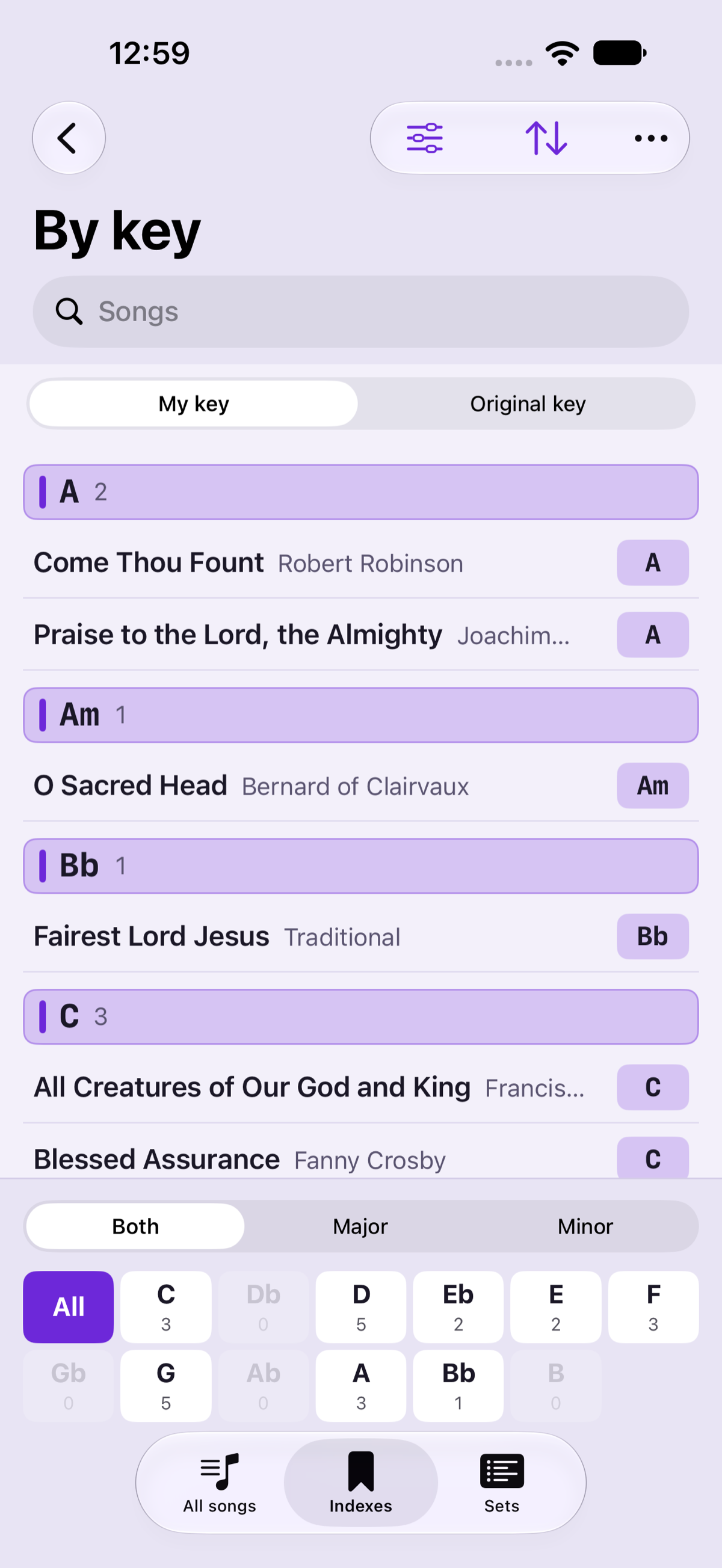
Keep me in this key, on the Chords tab, is meant for the by-key index. With it on, the next song is transposed to the key you are already in, for this session only, and the chart shows a transposed badge. See Key, capo and transpose.
Manual indexes
A manual index is a named list you order yourself. Add songs, drag to reorder, rename the list, or delete it. Deleting the list does not delete the songs.
Membership is the songs you chose. It does not gain a new import automatically. A set is the same kind of list with performance details added.
Sets
Open the Sets tab. An empty library offers Add set and explains that a set is a list you walk on stage, with a key and capo per song.
- Add a set and name it.
- Add songs and drag them into the running order.
- On an entry, set the key and capo for this set, and a note if you need one. Sunday’s key does not have to match the key stored on the song, and it does not have to match the same song in another set.
- Optional details on the set itself: a date, a venue and performance notes.
- Open the set and use the footer to walk it. The centre of the footer says it is a set.
The entry’s key and capo sit on top of the song’s own settings for as long as you are in that set. Leaving the set does not rewrite the song.
The index from a song
During a song, tap the centre of the footer or the bookmark. The index opens full screen, on the list you are walking, with the same columns, bands, key footer and sort as the Indexes tab. The open song is highlighted. The list does not scroll to it. Tap another title to go there. Done leaves the open song unchanged.