 Stagehand
Guide
Utilities
The gear at the right of the menubar is the place for jobs that are not the chart in front of you. There is no account row.
The rows
| Row | Use it for |
|---|---|
| Backup | Write a .shand file. Backup and restore. |
| Restore | Bring a backup back after you have seen the plan. |
| Editors | Song metadata and the topic list for this library. |
| Settings | Appearance, auto-hide and chrome colours. |
| Modules | Switches for the Projector, Pads, Share Sessions, Indexes (Quick Access) (the Index button) and the Web Console. A module that is off has no button in the top bar and no row here, and does nothing. Modules. |
| Support | The app version, and a short description. Questions go to the support page. |
| Web console | Only while the Web Console module is on. Start or stop a session. Web console. |
| Share session | Only while the Share Sessions module is on. Sharing a song. |
| Tools | Rebuild the library index when the list and the files disagree. |
Modules
The top bar can get busy. Utilities → Modules has a switch for each part you may not use:
- Projector: the projector button and the Projector tab in the settings panel.
- Pads: the Pads control. A pad that is playing fades out.
- Share Sessions: the Share button and the Share session row. A session you are in ends.
- Indexes (Quick Access): the Index (bookmark) button, and the footer's index screen. The previous and next buttons still step through the list.
- Web Console: the Web console row in Utilities. Its port is set here too. It asks for local network access when you turn it on.
Everything is on except the Web Console, as before. Turn a module off and its button disappears and it stops doing anything; turn it back on and it returns just as you left it.
Settings
- Appearance — System, Light or Dark. This is the chrome. The chart’s paper colour is Tint on the Document tab.
- Auto-hide toolbar — when on, the menubar hides after you have used the chart, and a tap brings it back. Reading a chart.
- Show fit-to-view button — the Fit to screen button over a chord chart. On by default. Reading a chart.
- Chrome colours — the menus and pills. They do not recolour lyrics or chords.
- Show audio reminders again — brings back the Do Not Disturb suggestion the next time you use pads or a track. See On stage.
The same Settings page opens from the wrench on Chords & Layout. Chart type, colour, key and capo are not in this menu. They are on the song, under Chords. The Web console switch and its port are under Modules.
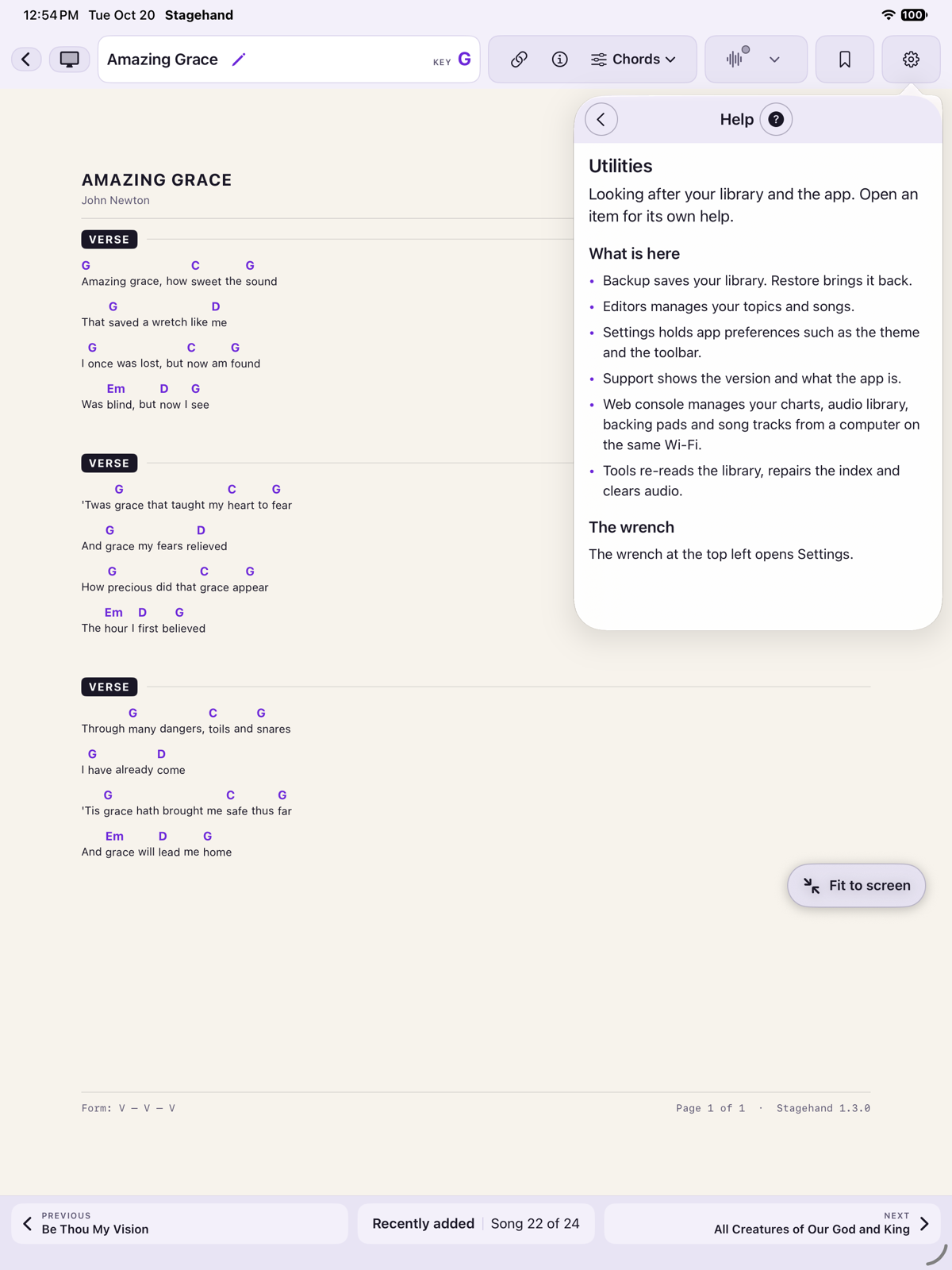
Every Utilities page has a ? beside its title. It explains that page. The wrench at the top left of the menu opens Settings.
Editors
Songs lists every chart in the current library. Tap one to edit its metadata.
Topics lists the topics in use. New Topic adds one. Rename, or delete. Deleting a topic takes it off every song that had it, and the app says so before it does.
Tools
Use these when the list on screen does not match the files, for example after you copied charts into the Stagehand folder in the Files app.
- Re-index Library scans the charts folder and updates the list.
- Repair Index re-reads every chart and drops index entries whose files are gone.
The file wins. If the index and the file disagree, the file is what you get back. The exception is a PDF, whose title, artist, key and topics exist only in the index.
Opening the app checks whether the charts folder changed, and skips the scan when the names, dates and song count match. You will not need Tools on an ordinary day.
Support
The Support row shows the version. For a how-to, use this guide. For a question about your device, email dav.kirolos@gmail.com from the support page and include the iPhone or iPad model and the iOS version.